Remixlet
Ask
Open the side panel on any website and describe the change you want in plain words, the way you’d tell or complain to a friend.
Remixlet is an open-source browser extension that makes any site work the way you want. Describe the change in plain words. Its AI agent studies the site, writes a small reusable script we call a remixlet, and applies it on the spot, and on every visit after.







Free software under the AGPL-3.0. All code that runs in your browser is public.
Your ChatGPT subscription, your API key or a local model. No Remixlet server.
Remixlets start with minimal permissions and ask before accessing storage, the network, or other advanced capabilities.
AI builds it, then steps aside. What's left is a small script in your browser that runs on every visit, for free.
How it works
Take the sponsored results out of a search. Show the total price with fees included. Stop the autoplaying videos. Add a new list filter. Usually you live with these because you cannot change them. Remixlet puts an AI coding agent inside your browser, so you can just ask.
Open the side panel on any website and describe the change you want in plain words, the way you’d tell or complain to a friend.
The agent reads the live page, asks for any permission it needs, writes a small remixlet script, and applies it on the spot.
It then checks it works and that it doesn't look out of place.
Each remixlet will then run only on the domain + pages it was designed to work with.
From the toolbar popup you can see which ones are running on the current page, and toggle them on or off.
Website changes over time can break scripts. When this happens tell the agent what’s off and it'll repair the remixlet, as it knows what you originally envisaged it to be.
Where your data goes
Where your data goes should be the first question you ask of any extension.
Your remixlets and their history, your chats, and your API keys stay in the extension's storage on your computer. Each key is only ever sent to the provider it belongs to. There's no Remixlet account or server, so none of it reaches us.
When you ask for a change, the agent sends your provider what it needs to do the work. That's your message, the page's text and structure, its address, and sometimes a screenshot. It goes straight from your browser, and your provider's own privacy terms cover it.
A remixlet is a small script saved in your browser. It runs on every visit without calling an AI or anything of ours. If it needs data from another site, you approve that site by name first.
Connect a local model, like one running in Ollama, and page content never leaves your machine at all.
safety & security
Remixlet treats AI-written code as untrusted. Remixlets get their own permissioned API: anything beyond changing the page, such as sending requests as you, reading what a site loads, or saving data, has to be declared with a reason, and nothing runs until you approve it.
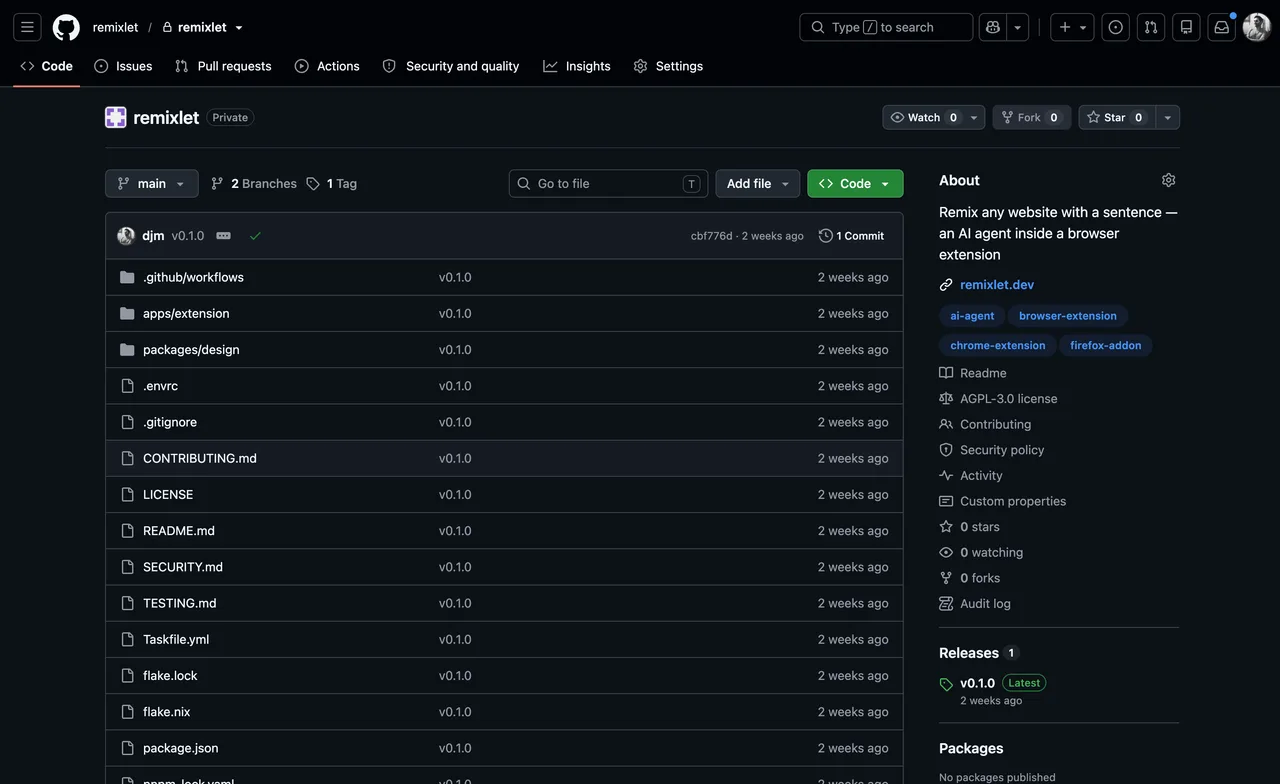
The whole extension is free software under an AGPL-3.0 license. Read it, or have someone you trust read it. The code is on GitHub for anyone to keep.
There is no Remixlet server, your trust model is with your AI providers. Sign in with the ChatGPT subscription you already pay for, use your own API key, or run a local model. Requests go straight from your browser to your provider.
A remixlet cannot act on a page outside of what it was designed for. Storage, network, clipboard: each states its scope and does nothing until you click Allow. Nothing a page says to the agent can grant it authority.
Readable code with its own version history inside your browser. Any change has a diff; rollback is one click. A finished remixlet runs locally and never contacts the AI provider.
Questions
Anything missing? Please open an issue or write to darian@remixlet.com.
Chrome today, plus Chromium browsers with Chrome's built-in side panel: Microsoft Edge, Brave, Dia, and Helium. They all install from the same Chrome Web Store listing.
The Remixlet agent lives in the side panel for separation/security purposes, so Chromium browsers without a working one aren't supported. Arc is the notable one. Other browsers may follow, message me if you'd like to see Safari/Firefox.
Yes, at least for now. Remixlet ships no models of its own. You sign in with an AI subscription you already pay for, like ChatGPT, or use an API key.
Requests go straight from your browser to that provider, with nothing in between.
Remixlet supports paid OpenAI ChatGPT subscriptions, plus API keys from OpenAI, Anthropic, Google, and xAI. You can also connect any OpenAI-compatible endpoint, including OpenRouter, Ollama, or your own local server.
They are our much respected forefathers. Remixlet is the same overall idea with a different workflow, and thus a different trust model. Greasemonkey and Tampermonkey ran scripts you or a developer generally wrote by hand, whereas Remixlet uses AI to generate the scripts instead.
Because that code is AI-written, the trust model has to change. You are no longer relying on a human to write the right thing. So Remixlet was designed around a harder rule: treat AI-written code as untrusted by default.
Each remixlet runs in its own isolated world. It can change what you see on the page, but it can't reach the site's own code or another remixlet. Every extra power is narrow: one named host, or one specific action like storing data or showing a notification. Each one must be explained in the manifest, and your approval is recorded against the exact version of the code that was proposed: if the code changes before it's installed, you're asked again.
When the remixlet is running, every call outside the sandbox is checked at that time again against what you approved. Its world runs under a content security policy that blocks scripts from the network, dynamic imports, eval and Function, and the extension refuses to save code that reaches for those. One browser gap stays open: a string handed to a timer still runs as code inside the world. The only code that runs is the code stored in your browser. An update that keeps the same sites and the same access installs without a dialog; one that adds a capability, widens its sites, or changes its network rules is approved again. A required README and a code history per remixlet mean you, or a later agent, can read what changed, repair it, or roll it back.
You can read more about our security architecture.
It stays local, except when the agent is building the remixlet by talking to your AI model provider. Remixlets, their history, and your settings live in your browser. There is no Remixlet server or account today - this may come in the future for sharing/syncing but we will be open about it.
Our security architecture documentation goes through how data is handled in more detail.
So it can remix whatever page you point it at, when you choose to. Until you make a remixlet for a site, Remixlet does not run on that domain. The agent only looks at a page when you open the panel and ask it to create, change or fix a remixlet for that domain.
This is one of the reasons the extension is open source, anyone can check these claims. As a privacy advocate, we have no desire to sell your information on what sites you visit - and that's why we don't send that data to ourselves.
A remixlet starts with limited powers to read what is on the current page. Anything more, like storing data, fetching from a host, clipboard or notification use, or working on a schedule, must be declared in its manifest with a reason, and you approve each grant before that is allowed. Network access is scoped to domains you have allowed, never the whole web.
The security architecture page covers the whole design, from scratch.
Attackers can make sites contain text aimed at the AI whilst it is building remixlets, so we do not allow anything the agent reads to grant it extra permissions by design. Advanced permissions come only from buttons you click, and the check happens outside the agent conversation.
Still - it is recommended to only run remixlet against sites you trust, but also be aware that those sites can host user-generated content which could be used to mislead the agent. At worst, a misled agent proposes code. You can read it, and it gets no new powers without your approval. More on how we handle hostile pages.
In your browser's extension storage, on your machine. A key never touches the pages you visit and is only ever sent to the provider it belongs to.
Three options: toggle it off to pause it; revert to an older version if you know it was working before; or just ask the agent to fix it by telling it what is not working anymore.
Remixlet works on any site you can open. The agent will check whether your request is likely feasible before and whilst trying to implement it, and will simply tell you when it doesn't think it is possible. It's not always right though - and if you know better, point it in the right direction!